
iOS — ZipQuantum Link Lab
Download the official ZipQuantum Link Lab for iOS and validate Universal Links and explicit post-install recovery.
Official iOS validation app
ZipQuantum Link Lab is the optional developer utility for testing a ZipQuantum Smart Link on iPhone and iPad. It is now available on the App Store.
Download ZipQuantum Link Lab on the App Store
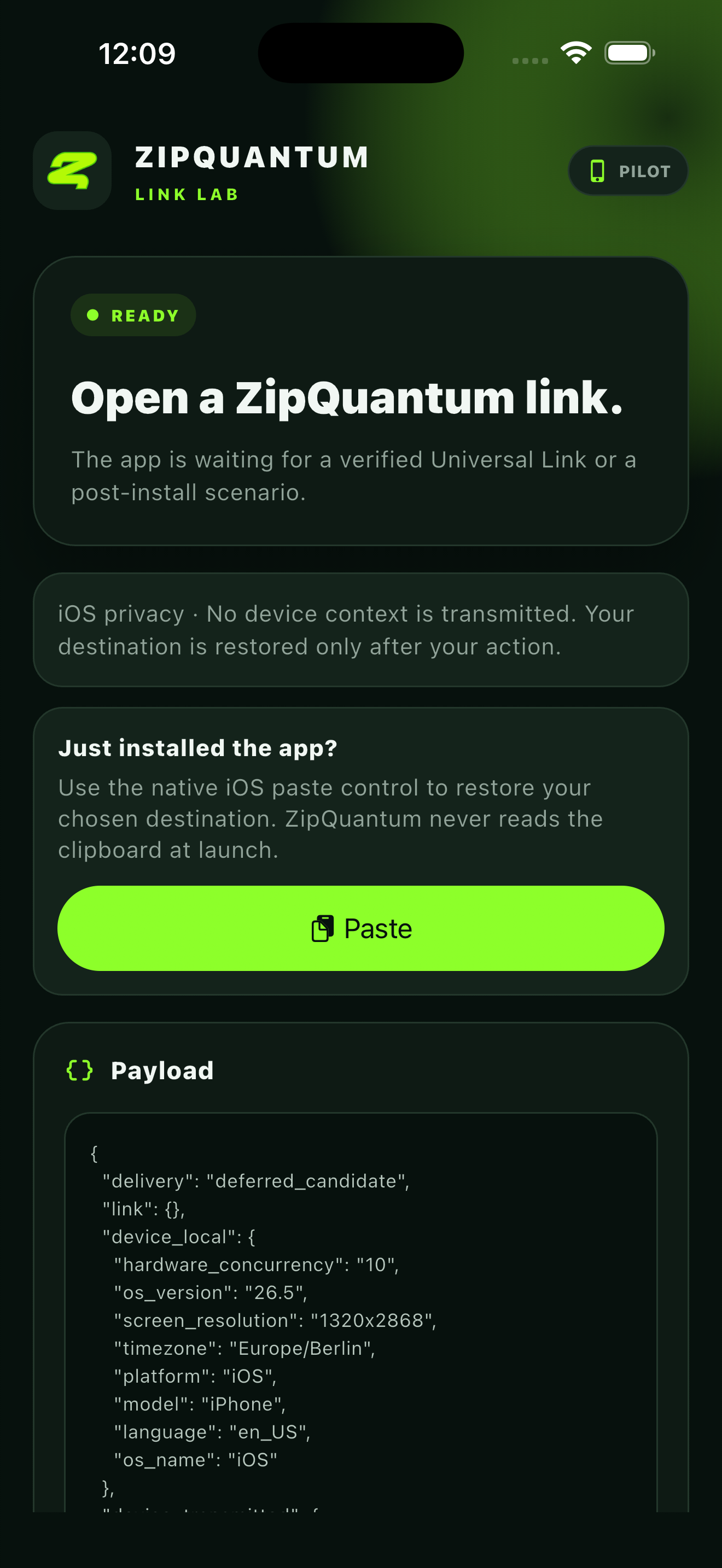
What it validates
- A verified Universal Link opens the installed app.
- The incoming host, path, and signed reference resolve to the intended test payload.
- The explicit iOS recovery action restores a short-lived, single-use handoff after installation.
- The result screen confirms whether the route was delivered directly or recovered after install.
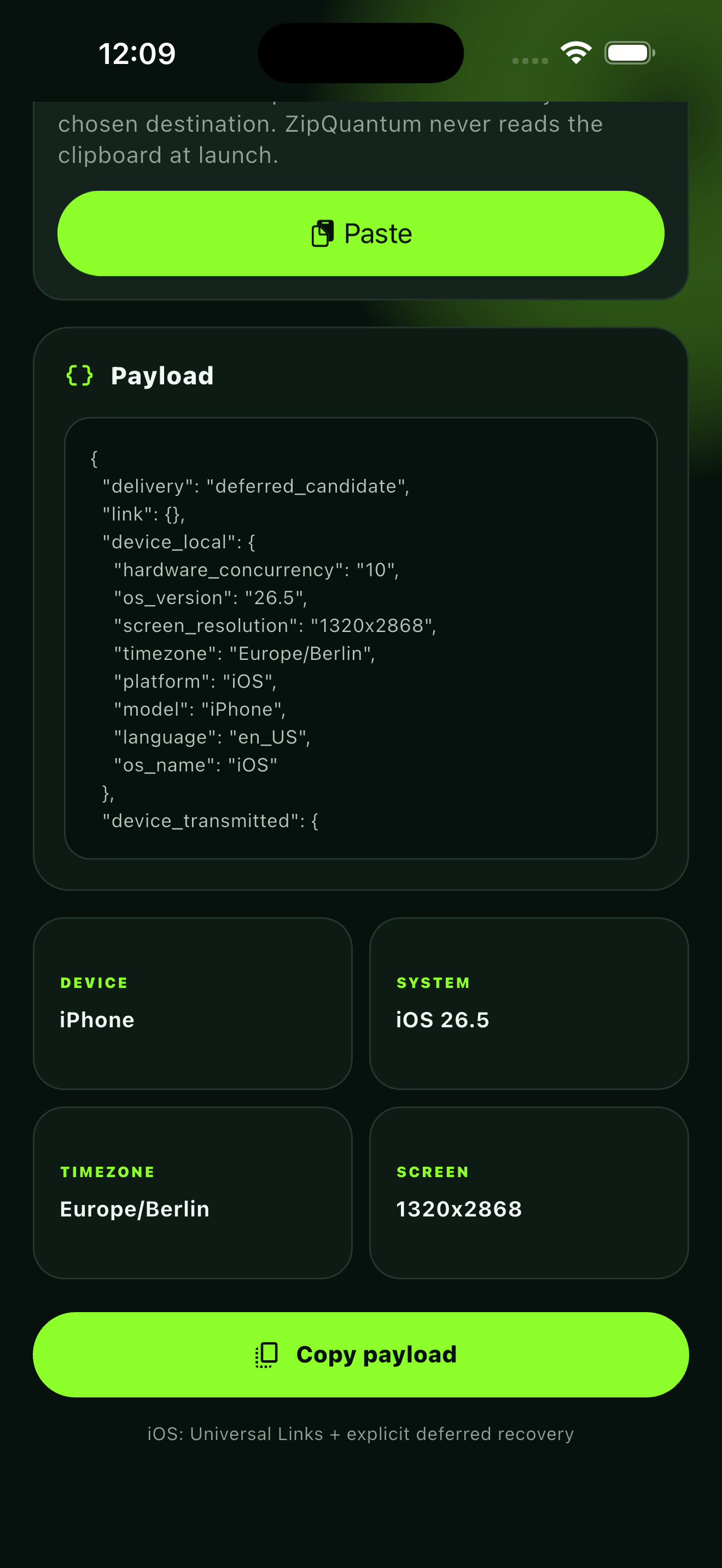
Recommended test
- Open Link Lab for a Smart Link in the ZipQuantum dashboard.
- Generate a signed iOS test URL.
- With Link Lab installed, open the URL and confirm direct delivery.
- For the post-install scenario, remove the app, open a fresh URL, and follow the visible App Store handoff.
- Install and open Link Lab, then use the explicit recovery control to restore the destination.
- Confirm the neutral result screen and the Link Lab run status in the dashboard.
Product boundary
The Link Lab app is not required to use the ZipQuantum SaaS and does not replace the Universal Link integration in your own production app. It is a focused validation tool. It uses no advertising identifier, fingerprinting, probabilistic device matching, or cross-app tracking.