
ZipQuantum Engineering ·
Deferred Deep Linking Without a Proprietary SDK
How deterministic post-install routing works on Android and iOS using verified links, signed handoffs, and no device fingerprinting.
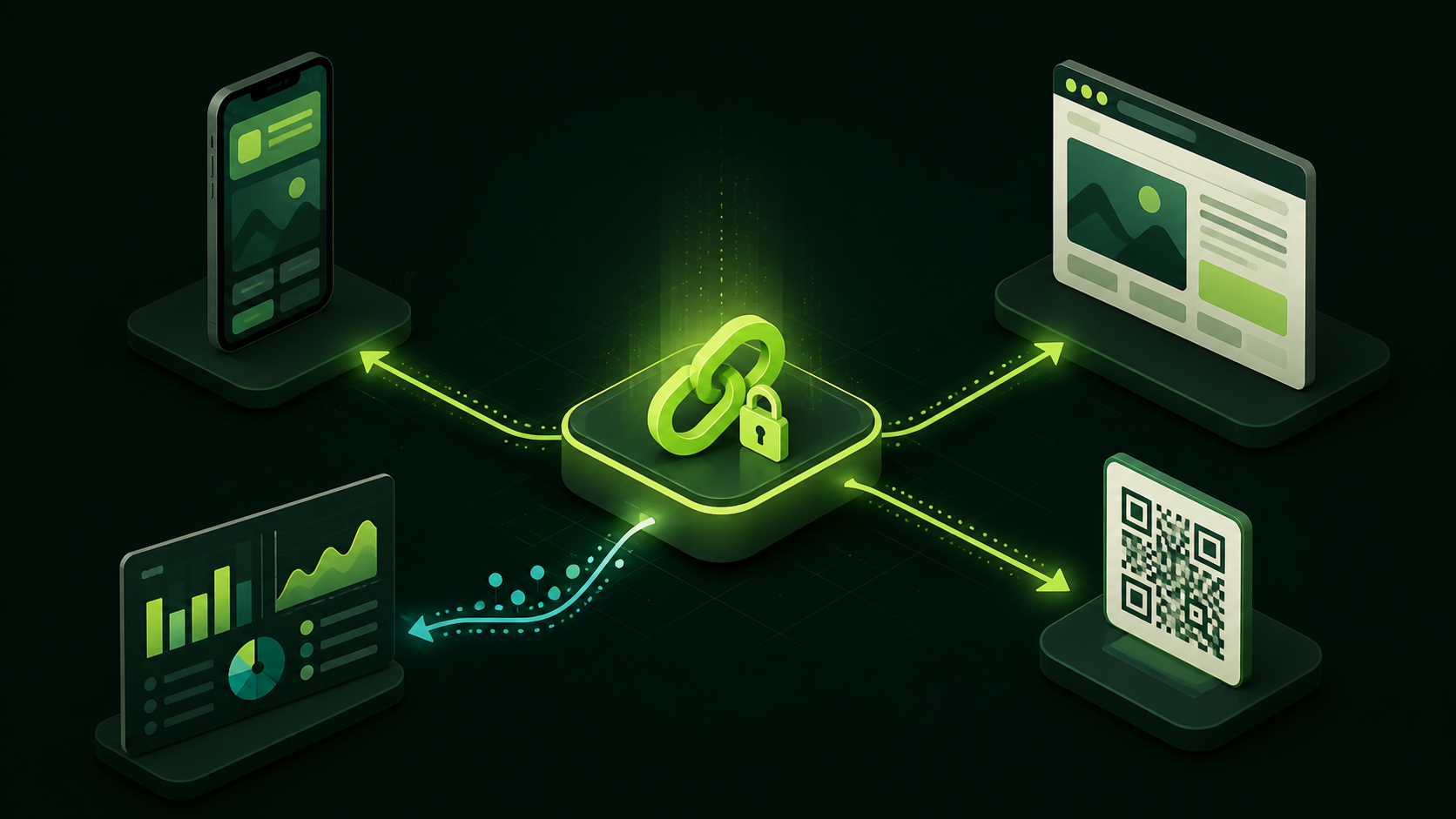
Deferred deep linking preserves a user’s intended destination when an app-install step interrupts the journey. The user taps a link, installs the app, opens it, and continues to the product, invitation, or content they originally selected.
The difficult part is not redirecting to an app store. It is transporting intent across installation without relying on a black-box mobile SDK, a device fingerprint, or a probabilistic match. ZipQuantum uses documented platform mechanisms and signed, short-lived handoffs instead.
The four states a reliable link must handle
A production link should have an explicit outcome for each state:
- Installed app: the operating system verifies the hostname and opens the intended route.
- App not installed: the user reaches the correct App Store or Google Play listing, or a useful web fallback.
- First open after installation: the app recovers a valid, unexpired handoff and opens the original route.
- Unsupported or invalid state: the user reaches a safe fallback rather than a loop or blank screen.
Trying to solve all four states with the same redirect rule usually produces fragile behavior. Installed opening belongs to Universal Links or Android App Links. Post-install recovery belongs to the platform-specific handoff.
Installed flow: let the operating system verify ownership
For an installed app, ZipQuantum Smart Links use normal HTTPS URLs. iOS verifies an apple-app-site-association file against the app’s Associated Domains entitlement. Android verifies assetlinks.json against the package name and signing certificate declared by the app.
When verification succeeds, your app receives the URL and maps its host, path, and query values to a known route. Keep that mapping explicit. Do not convert arbitrary incoming paths into internal commands.
// Framework-neutral routing example
route = parseVerifiedUrl(incomingUrl)

if (!allowedRoutes.contains(route.name)) {
  openSafeFallback()
  return
}

openRoute(route.name, validate(route.parameters))
The example is intentionally not a ZipQuantum SDK call. It represents code your application owns.
Android post-install flow: Google Play Install Referrer
Google Play exposes the Install Referrer API so an installed application can securely retrieve referral content supplied during the Play Store journey. ZipQuantum places an opaque, signed, expiring token in that channel. On first open, the app reads the referrer and sends the token to the public recovery endpoint.
A safe implementation follows this sequence:
- Read the Play Install Referrer once after a Play-distributed installation.
- Extract only the expected ZipQuantum token and host values.
- Send the opaque token to the documented recovery endpoint over HTTPS.
- Accept the response only when its host, app identity, expiry, and one-time-use checks pass.
- Validate the returned application route before opening it.
- Clear local pending state after success or terminal failure.
Test the deferred path using a build delivered through Google Play. Direct App Links can be tested locally, but Install Referrer behavior should not be certified from a sideloaded APK.
iOS post-install flow: explicit signed recovery
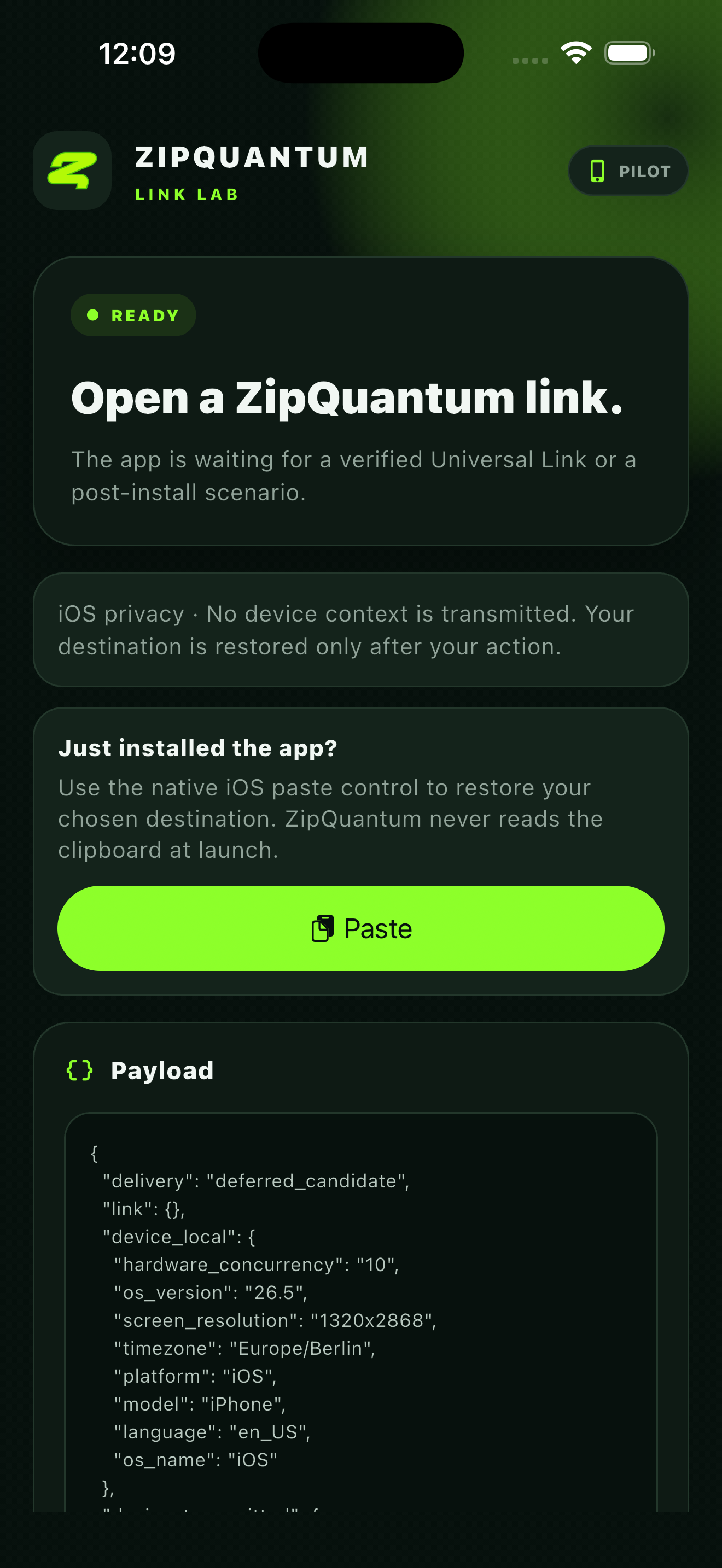
iOS does not provide an equivalent general-purpose install-referrer channel. ZipQuantum therefore uses a visible, user-initiated handoff. Before the App Store transition, the user explicitly carries a short-lived signed reference. After installation, the app recovers that reference through a visible system-supported action and exchanges it for the destination context.
This design is intentionally deterministic and transparent. It does not attempt to recognize a device across two unrelated sessions. If the user does not complete the handoff, the app should open its normal home or onboarding route.
Why signed, opaque, and single-use tokens matter
A deferred token should identify a server-side handoff, not expose the full destination or a customer API credential. ZipQuantum validates the token before returning context.
The security properties to preserve are:
- Opaque: the token does not reveal private routing data.
- Signed: modified values fail validation.
- Short-lived: an old install journey cannot be replayed indefinitely.
- Scoped: the host and application identity must match.
- Single-use: successful recovery invalidates the handoff.
Do not include API keys, access tokens, email addresses, or other personal information in public links or store referrer parameters.
What “without a proprietary SDK” changes operationally
Removing a vendor SDK reduces runtime coupling, but it also makes responsibilities clearer:
| Responsibility | Owner |
|---|---|
| Link creation, routing rules, fallbacks, lifecycle, and aggregate sessions | ZipQuantum |
| Universal Link or App Link declaration | Your app and verified hostname |
| Mapping an incoming URL to a screen | Your application |
| Reading the platform handoff | Your small native/framework integration |
| Validating business permissions before displaying content | Your backend and application |
You ship the platform integration once. Marketing and product teams can then change destinations, fallbacks, parameters, and link lifecycle without embedding new vendor routing logic in every release.
End-to-end acceptance checklist
- The verified HTTPS link opens the expected screen when the app is installed.
- A missing app reaches the correct store listing.
- Android recovery works from a fresh Google Play installation.
- iOS recovery starts only after the visible user action.
- An expired or reused token fails safely.
- A token for another host or app is rejected.
- Unknown routes fall back safely.
- No secret or personal identifier appears in the URL, referrer, analytics, or logs.
- Campaign measurement distinguishes direct, store, and recovered journeys.
Build the smallest correct integration
Start with one route and one production hostname. Prove installed opening first, then store fallback, then post-install recovery. Add more destinations only after the complete journey is observable and replay-safe.
Start free with ZipQuantum, read the deferred deep-linking guide, or inspect the public mobile examples.